Before installing commercial keyless entry, list each door you want to control, every person who needs access, the hours they need it, and what must happen in an emergency. Then match credentials, door hardware, permit needs, privacy rules, and ongoing administration to those daily needs. A keypad may fit a low-risk room. A busy site may need a broader system.
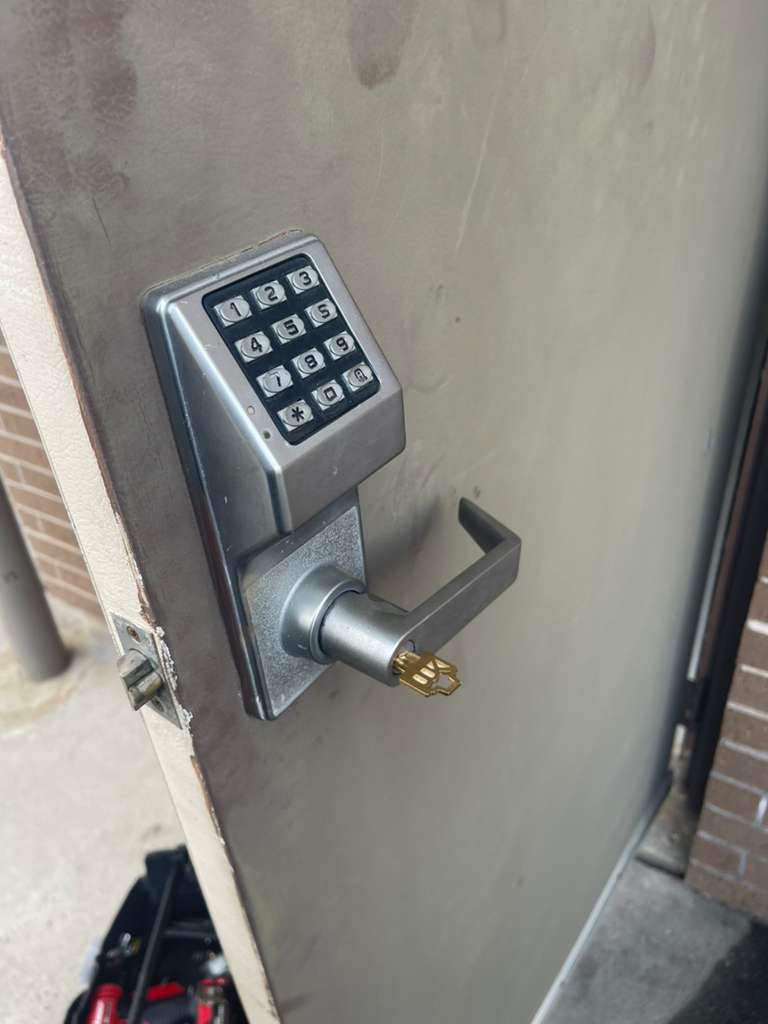
Begin with the doors and the work done behind them
Don’t choose a lock from a product photo before you know what each opening needs to do. Walk through the property and make a door list. Include exterior doors, employee entrances, office doors, stockrooms, server rooms, shared spaces, and any door that separates tenants or departments.
For every door, write down four things.
- Who should be able to enter
- When they need to enter
- Whether the door must unlock for visitors or deliveries
- What happens if power, internet service, or a credential stops working
Also note the door material, frame condition, closer, latch, exit device, glass, and whether it already ties into another building system. A narrow aluminum storefront door and a heavy rear warehouse door can need very different hardware. A locked door that also serves as an exit needs special attention.
Look beyond the main entrance. A business may gain more control by securing a records room, supply closet, office area, or employee-only door than by changing the front door alone. The goal is to control the places that hold people, property, or sensitive information without slowing normal work.
Choose access methods that fit your staff
A credential is what a person uses to open a door. It might be a code, card, fob, phone app, or biometric record. Each choice creates a different daily task for staff and managers.
Ask how people work before choosing the credential. A shared keypad code may be simple for a small room with a few approved users. It can be harder to manage when many people know the same code. Individual cards, fobs, or managed phone access can make it easier to remove access for a single person when their role changes. The right choice depends on the level of control you need.
The NIST guidance on facility access credentials uses a risk-based approach. That is a useful way for a private business to think about the decision. A public lobby, a staff break room, a cash office, and a room holding business records don’t carry the same risk. Give tighter access to places where the impact of unauthorized entry is higher.
Set access by role, not by habit
Make a short list of job roles, then assign only the doors and hours each role needs. A cleaner may need evening access to common areas. A manager may need wider access. A delivery driver may only need a receiving door during a planned window.
This approach keeps the setup easier to review later. It also avoids granting broad access just because that was the fastest choice on move-in day. Decide who can add users, remove users, change schedules, and approve exceptions. Make sure that person has time and authority to keep the list current.
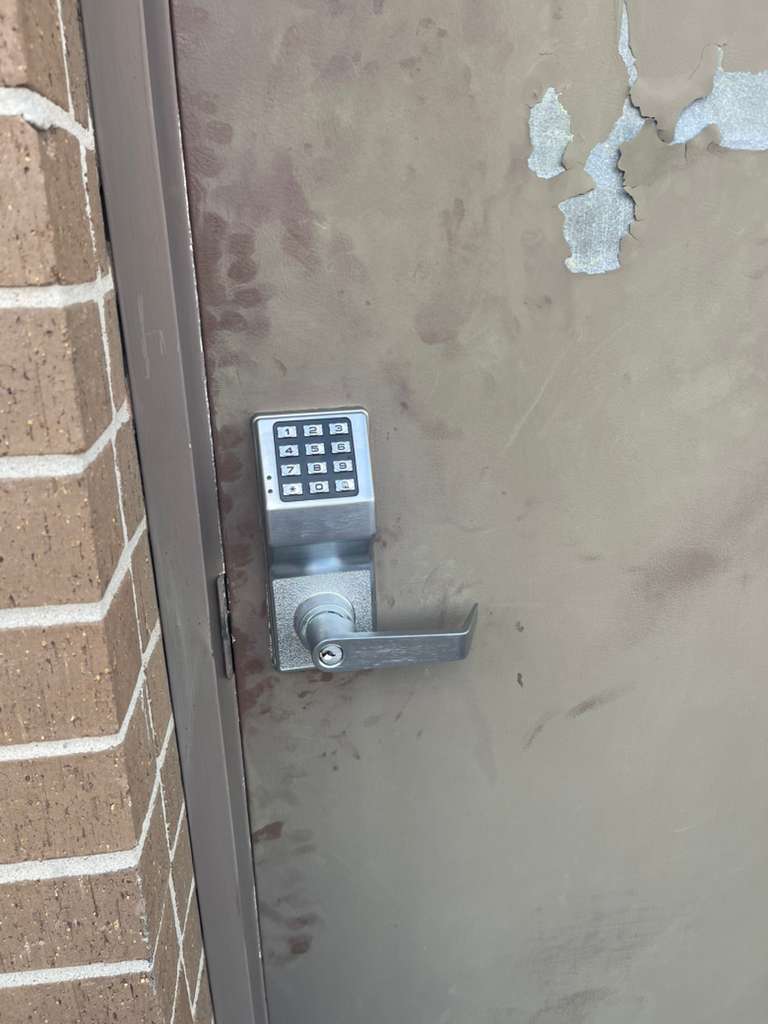
Plan for safe exit before choosing the system
Entry control cannot block people from getting out safely. Door locks, exit hardware, fire protection equipment, and local rules can affect the final design. Don’t assume that a device that looks suitable on a similar door will work on yours.
In Houston, the Houston Permitting Center’s electronic locks permit page says electronic locks are inspected against approved plans for safe emergency exit and egress. Its listed submittal items include door numbers, diagrams, sprinkler information, hardware and software installation details, and operational emergency exit systems.
Bring the building owner or property manager into the discussion early if you lease the space. They may need to approve changes to doors, frames, wiring, or shared building equipment. If your plan touches a fire alarm or sprinkler-related condition, coordinate with the qualified parties involved rather than treating it as a lock-only job.
Ask these questions during planning.
- How will a person leave through every controlled door during an emergency?
- Will the project need plans, permit review, or inspection?
- Does the door have existing panic hardware or another exit device?
- Who needs to review the work before installation begins?
- What should staff do if a door is not operating as expected?
If a person is trapped, or there is a fire or smoke, call 911 first.
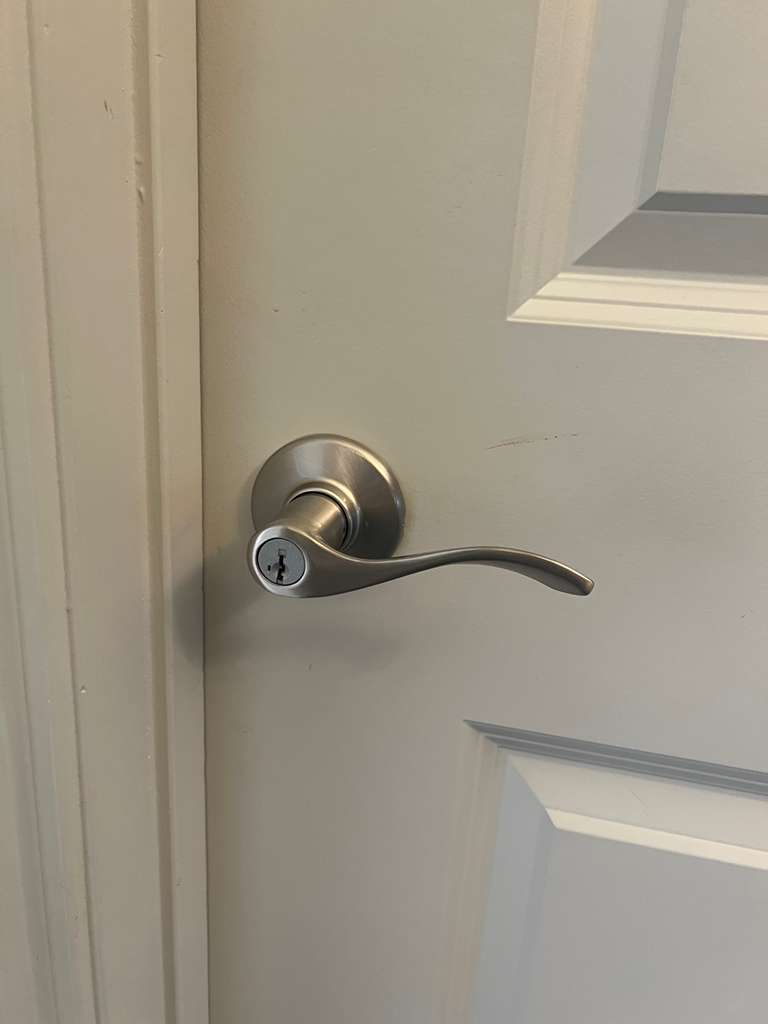
Decide how much management you can handle
Keyless entry still needs regular care. Someone has to issue credentials, remove them, update schedules, keep records, and respond when a staff member cannot get in. Choose a setup your business can manage after installation.
Think through common events before you buy.
| Business event | Planning decision |
|---|---|
| A new employee starts | Decide who approves access and when the credential is issued. |
| An employee leaves | Set a clear step for removing access from every assigned door. |
| A manager is away | Name a backup person who can handle urgent access changes. |
| A credential is lost | Decide how it will be disabled and how the person will enter while waiting for a replacement. |
| Business hours change | Review door schedules so they match the new routine. |
A system with detailed schedules and user records may be useful for a larger team. A simpler system may be enough for a small business with limited doors and stable staffing. Don’t pay for management features nobody will use. Don’t choose a simple setup if it leaves a manager unable to remove access when needed.
Protect employee and visitor information
Some access systems store names, entry records, mobile device details, or biometric information. Before choosing a system, ask what information it collects, who can see it, where it is stored, and how long it stays in the system.
The Security Industry Association’s access control privacy guidance points to clear notice, limited data collection, retention rules, encryption, limited user permissions, audits, and a plan for a data breach. Its guidance is informational rather than legal advice, but it gives business owners a practical list to discuss with their provider and legal adviser when needed.
Biometric features deserve extra care because they can create added compliance duties. Don’t collect a fingerprint or face record just because a device offers it. First decide whether the feature solves a real business problem that a card, code, or fob cannot solve. Give access records only to people who need them for their job.
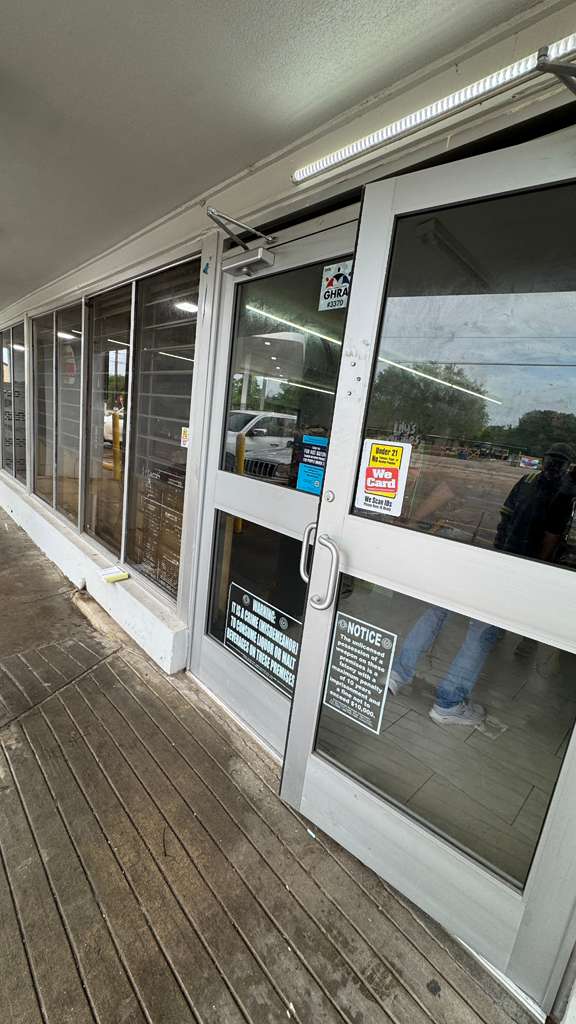
Check the site before you set a budget
The installed cost depends on the doors, hardware, wiring needs, credential choice, management features, and any permit or building work. Get a site-specific assessment rather than relying on a general price range. That gives you a chance to find door repair needs or exit hardware concerns before equipment is selected.
Ask for a written scope that identifies each door, the planned hardware, who supplies credentials, what work is included, and what requires approval before it is done. If the system uses software, ask who creates the account, who owns administrator access, and what training is included for the people who will manage it.
Also ask what support looks like after installation. You should know who to call for a damaged reader, a door that won’t latch, a staff access change, or a credential problem. Keep service contact details with your door list and access records.

Use a locksmith visit to turn your list into a workable plan
Bring your door list, user roles, hours, lease terms, and any building requirements to the site visit. Point out deliveries, shift changes, visitor traffic, and restricted rooms. Those details help shape a system around real use rather than guesswork.
If you need several controlled doors or centralized user management, review commercial access control systems alongside standalone options. If your needs are limited, a focused keyless setup may make more sense. The equipment should follow the access plan, not lead it.
ASAP Locksmith lists commercial keyless entry systems for Houston businesses. Discuss the door conditions, exit needs, access roles, and approval process before scheduling work.
Frequently asked questions
Can a business install keyless entry in phases?
Yes, a phased approach can help a business begin with the doors that need the most control. Ask whether the first phase can be expanded later without replacing the planned equipment. Keep the same user naming rules and written door list from the start so the next phase is easier to manage.
What should I ask for when the installation is finished?
Ask for clear instructions for the person who will manage users, a list of installed doors and hardware, administrator account details where applicable, and service contact information. Confirm who has authority to change access and where those records will be kept if staff responsibilities change.
Should contractors and vendors get the same access as employees?
Usually, their access can be narrower. Decide which door they need, the dates or hours they may enter, and who will remove access when the work ends. A written approval step helps prevent old vendor access from staying active after a project is complete.
For help planning commercial keyless entry in Houston, contact ASAP Locksmith at (832) 404-0102. Share the doors you want to control and how your staff uses them, then schedule a site assessment to discuss a setup that fits your business.